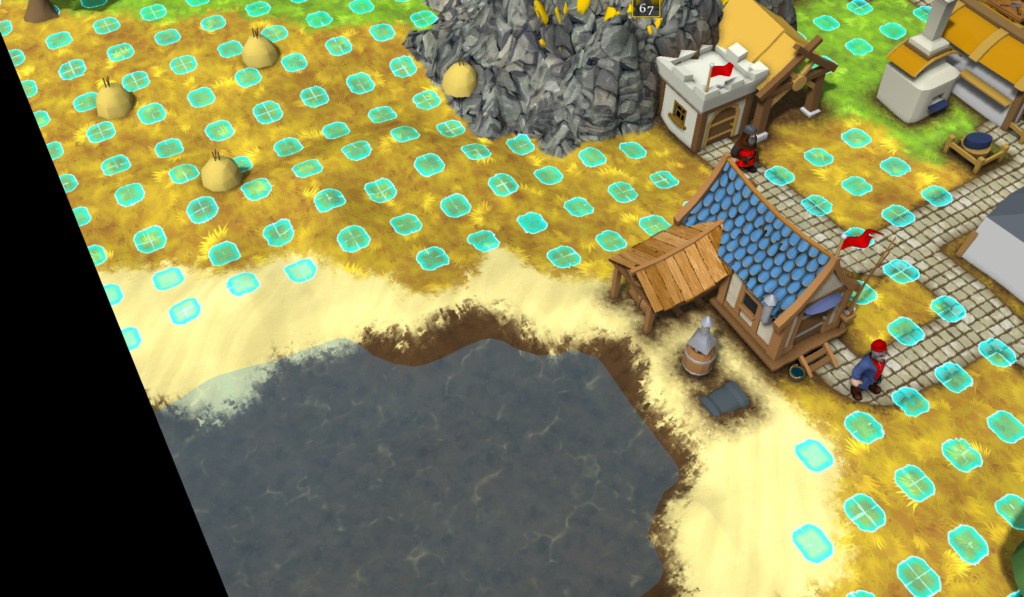
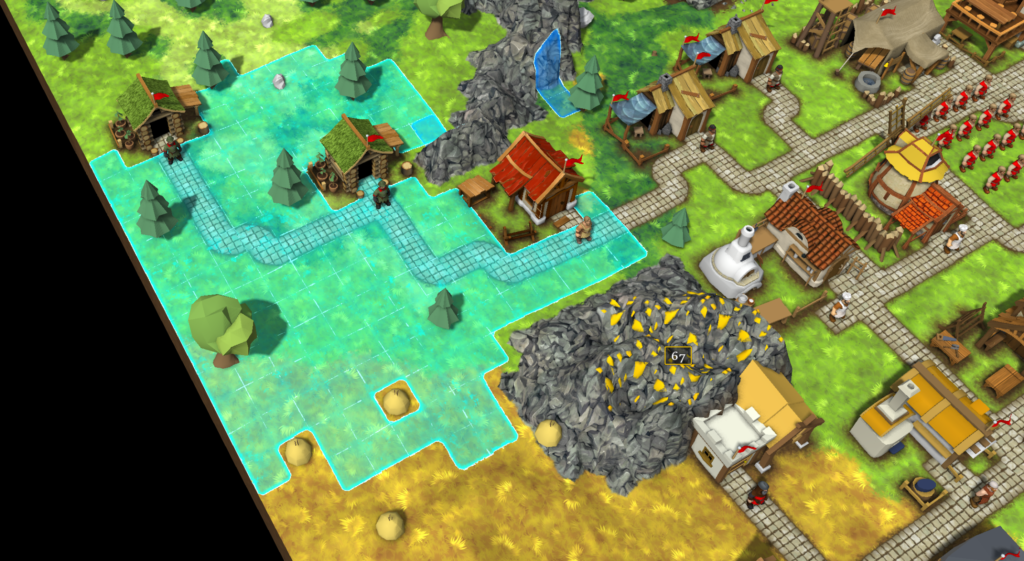
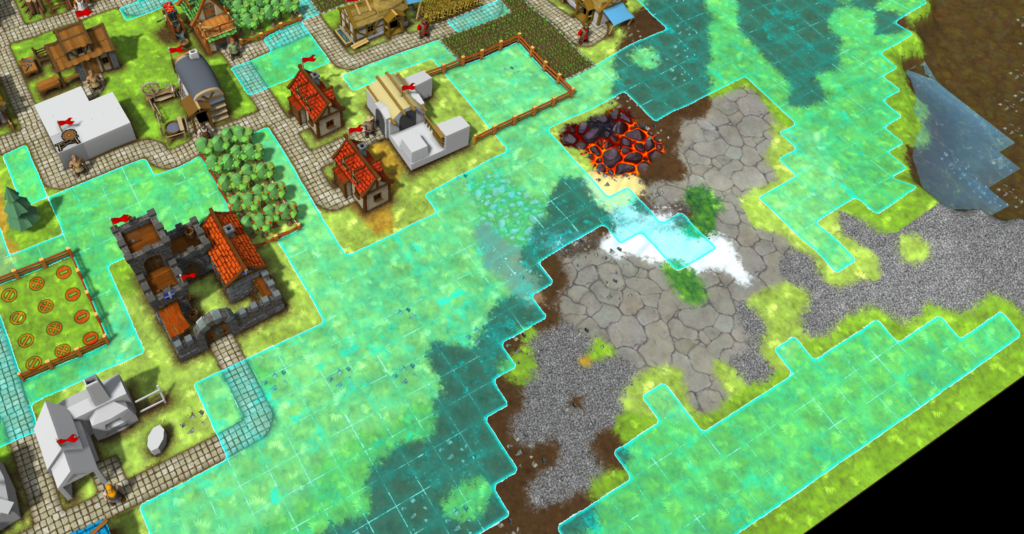
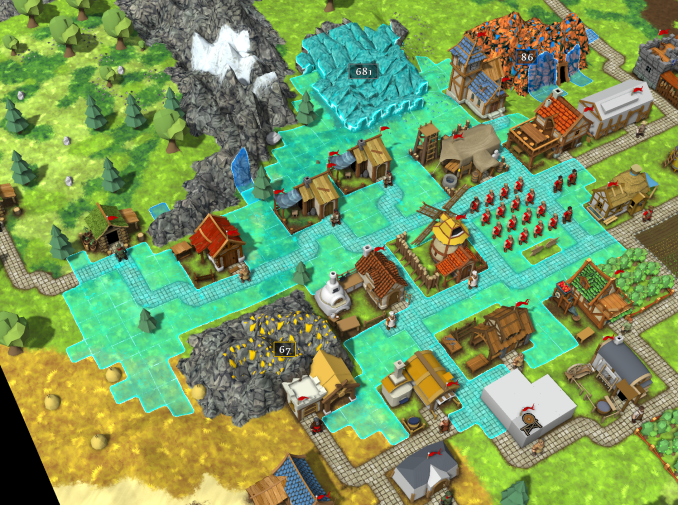
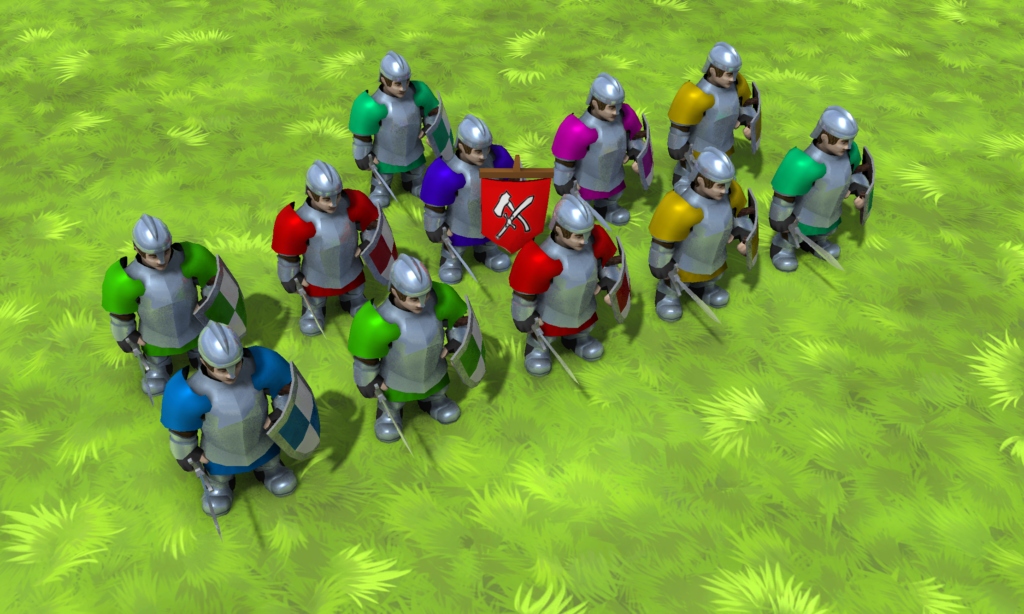
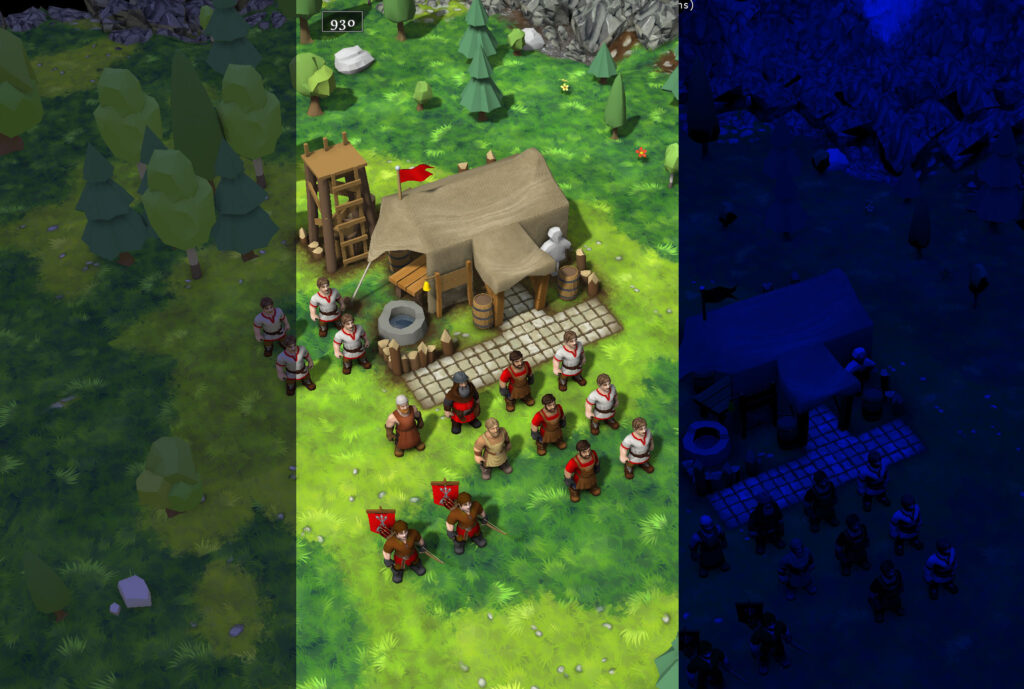
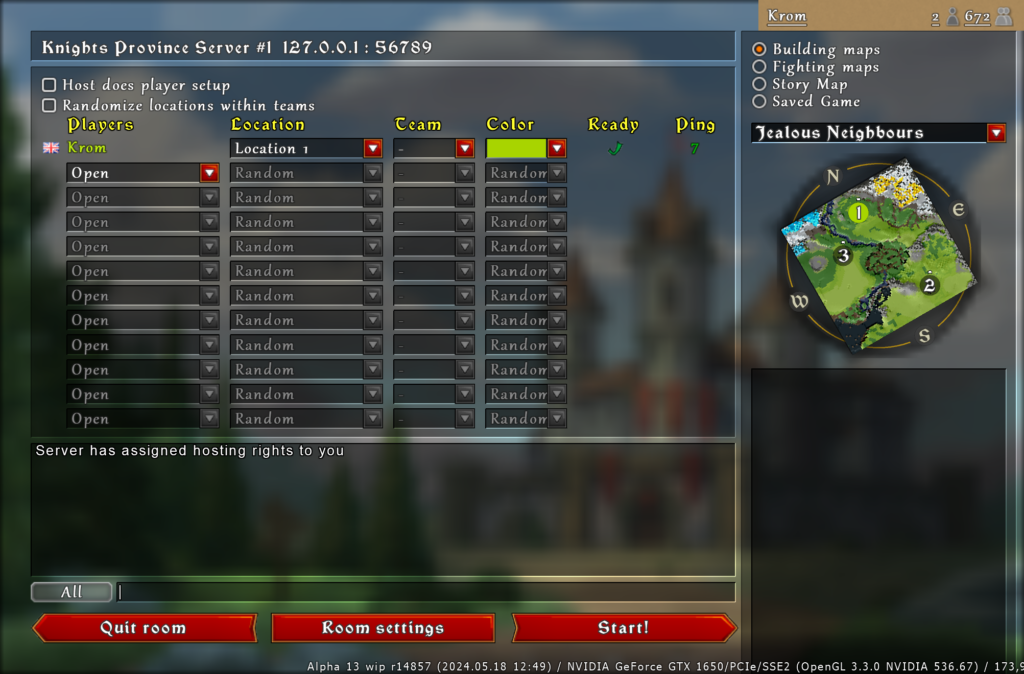
This month Knights Province celebrates its 13th birthday. What started in 2013 as a techy proof-of-concept has grown over the years into a full-scale RTS complete with AI opponents, campaigns, modding, online leaderboard and skeletons! Not to mention all the essentials such as the built-in Map Editor, Replays, Scripting and Multiplayer. To this day there have been a total of 13 milestones labeled as Alpha.
Looking at the version strings recently, one thing became quite clear: a project cannot reasonably remain an “Alpha” for 13 years. The game has long outgrown what this label implies. The core gameplay loop is quite solid, the custom engine runs reliably, and the foundational game mechanics are locked in. What lies ahead is expanding content, balancing, and preparing for the eventual commercial release. To reflect this maturity and in anticipation of the long-term goal (including the future 1.0 release) the time has come to drop the “Alpha” and “wip” tags from the title.
The new 0.x format
Starting with the upcoming 14th milestone cycle, the game is adopting a new structured numeric versioning scheme. Its goal is to better communicate the game’s state to players and modders. The new format will look like this: “Knights Province 0.14.0 r19120”.
Here’s what every part means:
The first “0.” is the Epoch prefix: it indicates that the game is in the pre-release stage. Once the game is sufficiently feature-complete and polished it will gain the “1.” Epoch prefix.
The Major and Minor numbers (“14.0”): These are quite familiar to every Knights Province player by now. Major denotes a major feature milestone. Minor is for smaller follow-up fixes.
The revision number (“r19120”) remains the definitive tracker for identifying the exact engine build for game updates, bugreports and crashreports.
Why not SemVer?
Pedantry corner, you may have heard about Semantic Versioning – it has been quite popular in software development. The game’s new system is largely inspired by it. At first glance it looks very similar – three numbers separated by dots (with a suffix). In SemVer, however, the “14” in “0.14.0” would technically be the Minor version. In Knights Province’s case though, I would not dare to call any of the 13 previous milestones Minor. They are very much Major! Hence the adaptation.
Identifying experimental builds (so-called “wip”)
The development pace is not changing; I still expect 100+ builds per year as new features roll out and get tweaked and tuned. To clearly distinguish stable milestone releases from experimental builds the game will be using the Minor digit (rightmost “.0” in our example “0.14.0”). While the features are dialed in and bugs are fixed, the game version will stay 0.14.0. As soon as everything introduced in 14 is well taken care of, the Minor number will bump to .1 and a release announcement will be made. If further fixes are needed after the release, a .2 will follow. Development of 0.15.0 will be next in line. TL;DR: “.0” represents active development and “.1+” represents a stable milestone release.
There is still room for changes
Even now as I write this, I still have plenty of ideas I’d like to experiment with. There’s definitely going to be room for siege, maybe some more experiments with fighting mechanics. Some of the other ideas I haven’t talked about yet could be considered more radical, but still nothing as crazy as changing the game genre or foundations.
New 0.14.0 is in the works
Development of 0.14.0 is well underway and its first builds will soon be public. You may already have seen some topics it touches on in previous articles. Main features include Cows and Horses in pastures; a single-player Marketplace; autotextured wooden building elements; moddable terrain decals; improved terrain flattening stability; and of course, much more.
Thirteen years and counting
Whether you have been following this devblog since the early terrain prototypes or just joined recently for multiplayer playtesting, thank you for your continued support. As always, feel free to share your feedback and ideas on Discord and keep an eye on the #new-versions channel there for the first new build under this scheme!
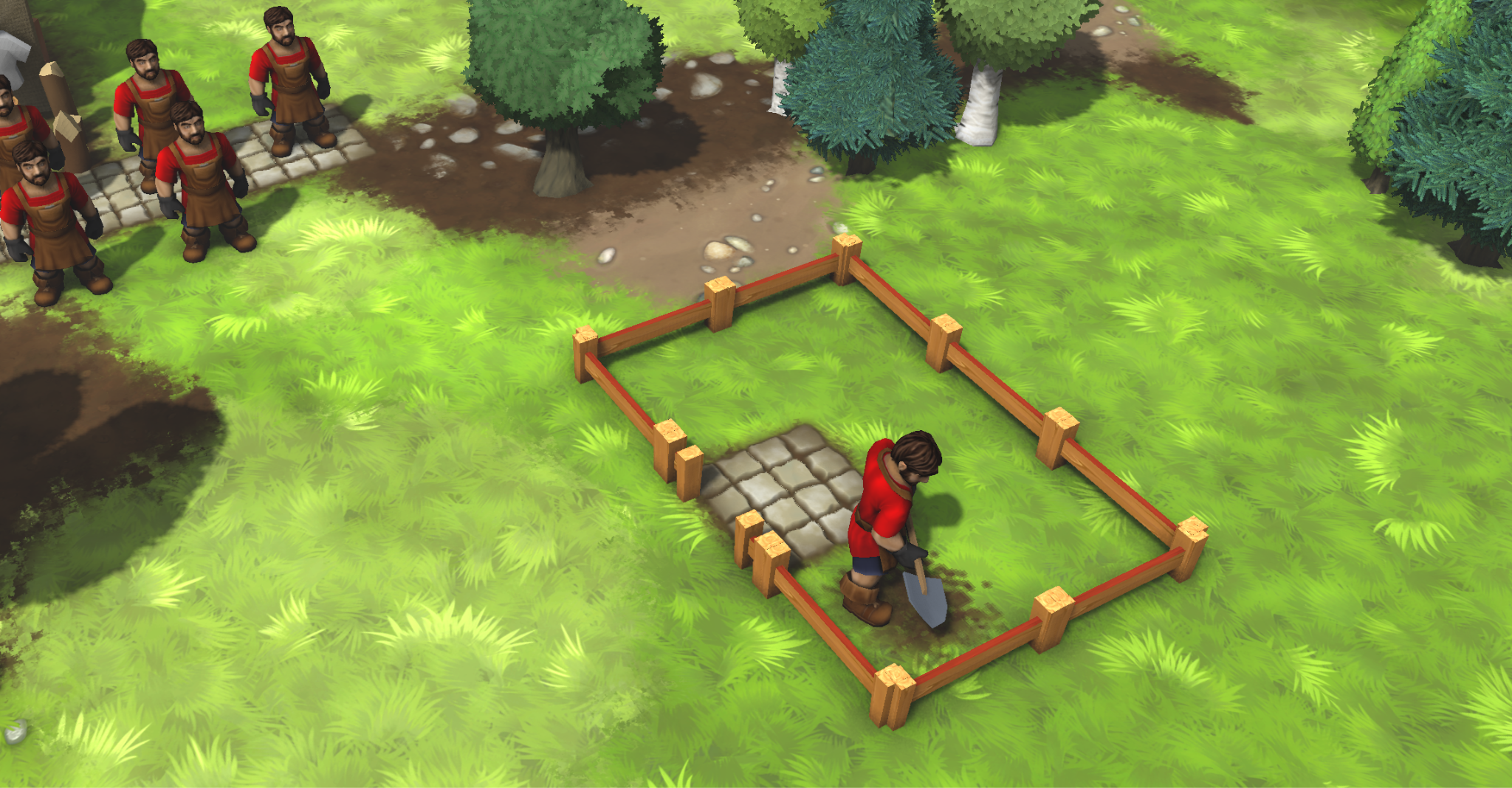
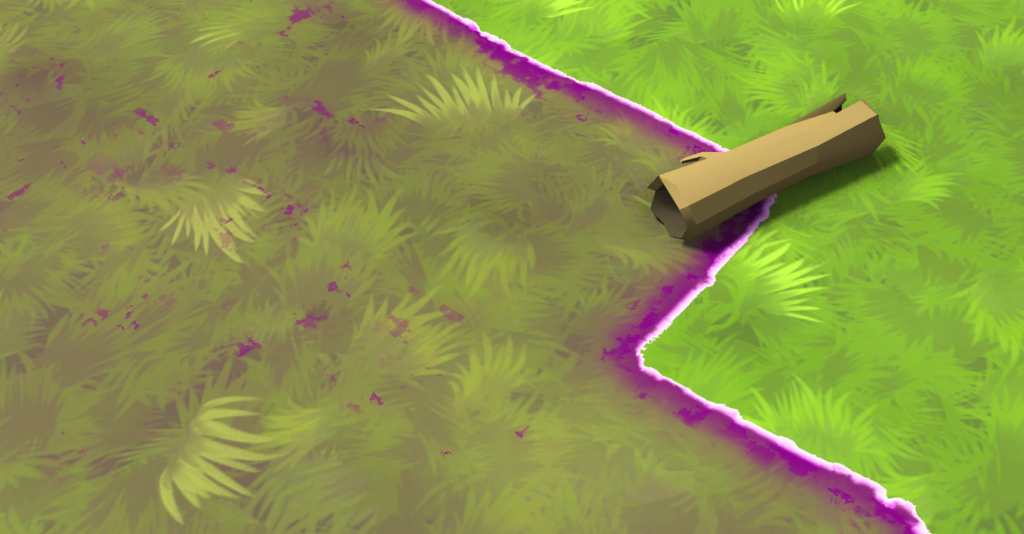
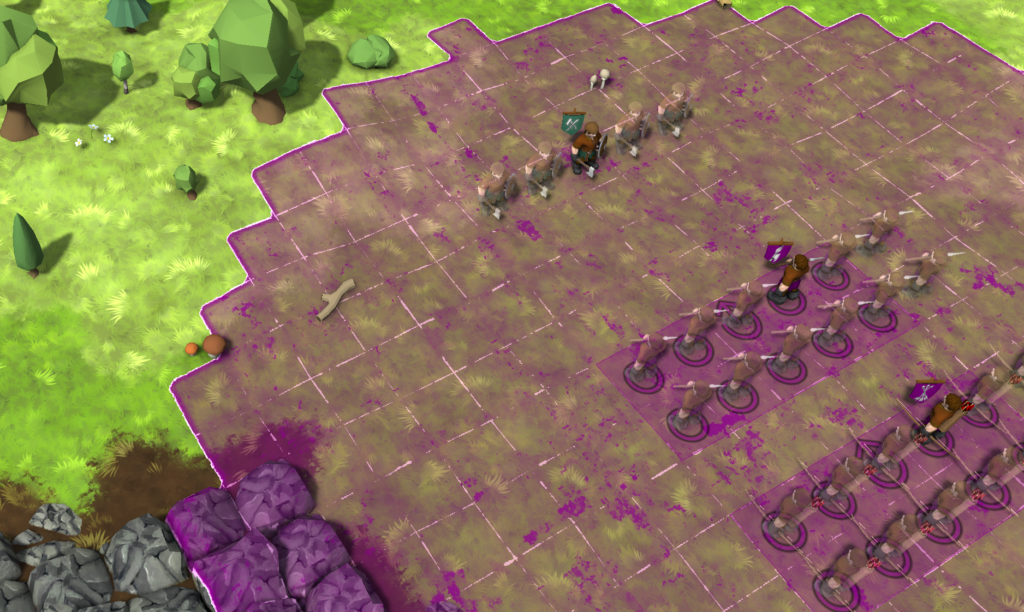
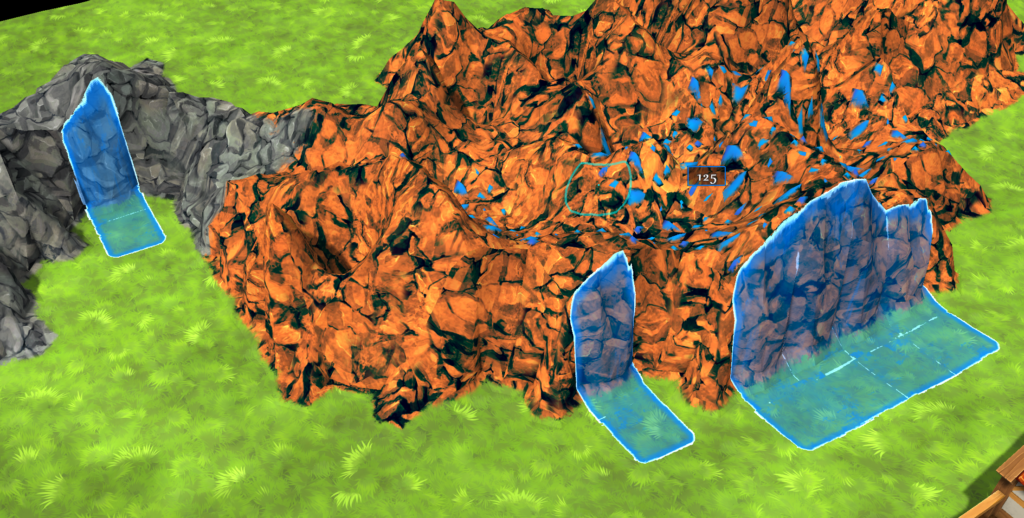
Every time something is built in the Knights Province, terrain needs to be flattened. It’s a relatively small detail that does not affect gameplay much, but I think it adds to how responsive and interactive the terrain feels. Roadworks and buildings carving themselves into the world. Flattening is used pretty much every time something gets built on terrain – roads, fields, houses and so on. It is also one of those systems that normally goes unnoticed when it works correctly. You place a house somewhere, Builder arrives, terrain underneath gets flattened, house gets built, everyone is happy. Sometimes terrain is just too steep and then buildings just can not be placed there.
As with many things in the game, something that looks simple from the outside turned out to be considerably less simple once I started digging into it.
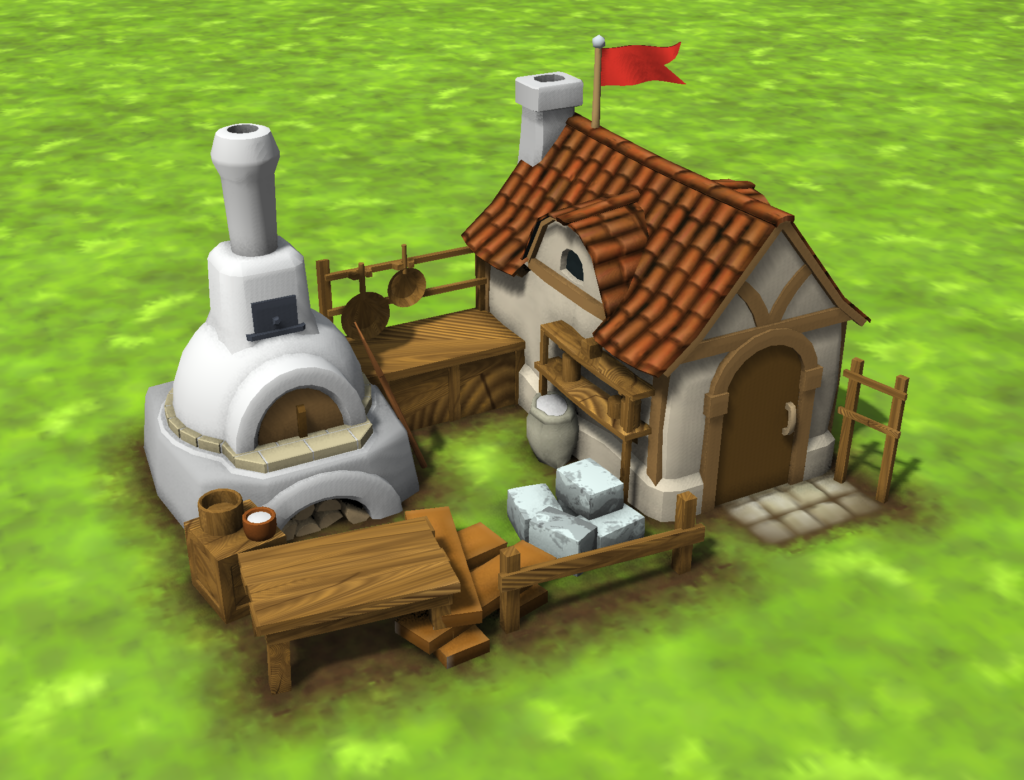
As we all know and see, many house models in Knights Province are still in various stages of sketch phase. They are approaching a sort of right proportions, silhouette and overall structure. From a distance, they read correctly (although if you ask me, I’d probably scale them down by ~10%, but that’s a topic for another day). But up close, a lot of surfaces are still just flat-shaded placeholder materials. This is especially noticeable on wooden elements – planks and beams, which make up a significant portion of most buildings. This is especially noticeable during a new house building process (at least for the houses that have their geometry correctly assigned to progress steps, but that’s another topic for yet another day).
Which brings us to the next point – why automate it? The game uses classic UV mapping techniques for their simplicity. So, texturing wooden planks manually is not difficult at all. In fact, it is one of the easier tasks. Individually each plank and beam are quite simple: unwrap along the length, align with the grain direction and edges, adjust scaling a bit, ensure edges align with texture, repeat the same for endgrain. Rinse and repeat 500 times for every house and you get the scope of the problem xD. Yes, it is extremely repetitive (and boring). Also, every time something gets changed, UVs need to be adjusted to avoid stretchy textures and broken mappings. And repetition is exactly the kind of work that should be automated.
The goal here is fairly pragmatic – reduce manual work, keep visual consistency, allow faster iterations for sketch models and generally have things looking nicer. This is particularly useful at the current stage, where many houses are still evolving in their shape and proportions. Investing time into manual UV work at this stage would be a largely wasted effort. If the texturing basics could be generated automatically, manual work can be reserved for more interesting and characteristic house elements.
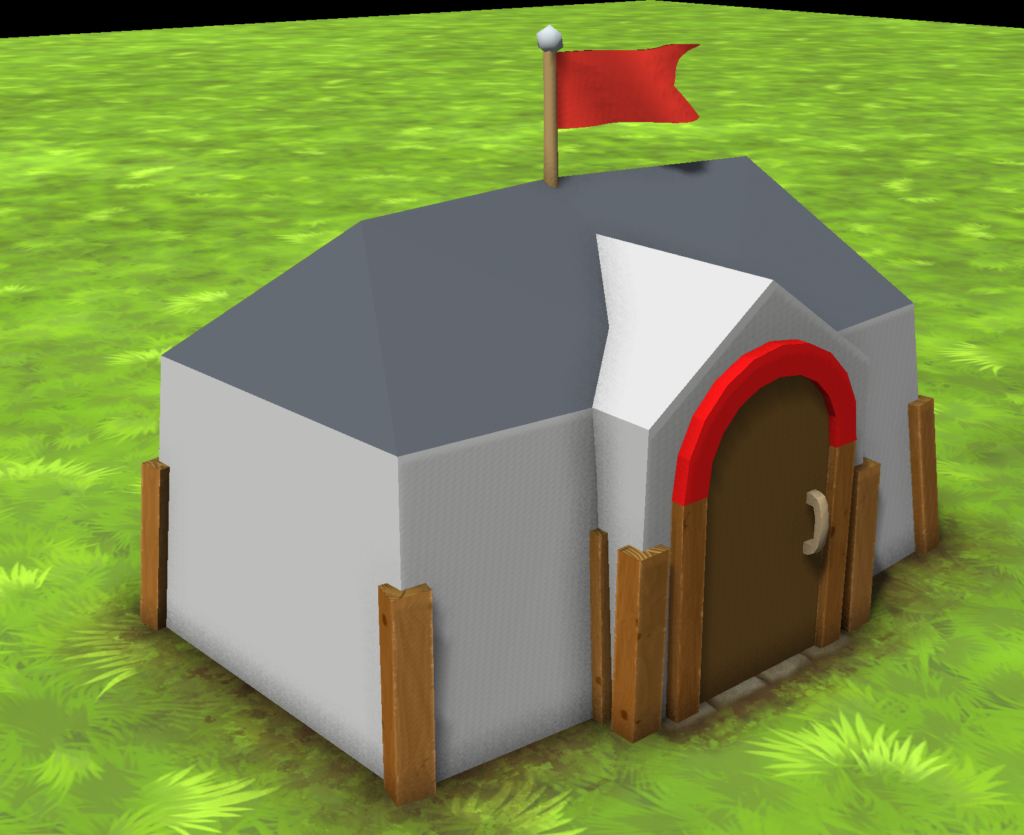
With that in mind, let’s try the naive approach first. Lets just map everything to sort of wood texture and see if it looks any better:
Well .. it certainly brought some improvements, but booking up close it is terrible xD. Maybe cube mapping or triplanar mapping? Well, that would not work, since beams and planks are rarely axis aligned.
Let’s do it seriously then. We should start from the top – What is a “plank”? A “plank” can be approximated as an elongated box-like shape with one dominant axis (length) and two minor axes for width and thickness. It will also have two ends. Some planks could be curved slightly, but overall topology should be quite consistent – 2 ends and 4 sides that are mostly perpendicular to each other.
So the initial algorithm was to detect box-like shapes, determine their main axis, map them on to UV and apply a wood texture. This worked well for as long as the geometry behaved exactly like that. Which it often doesn’t. However, this was an important step and proof of concept – with some texturing even the sketchiest models (pun intended) started to look much better.
For the majority of the real models, the assumptions started breaking down. Much too many of the planks are not boxes in the strict topology sense:
* not all planks are 6-sided, far from it
* some have back-facing sides missing
* some are subdivided along the length and are bent or irregular
* some are bent almost 180 degrees from start to end
* some are just a fusion of many elements
At this point, the problem stops being “UV mapping” and becomes geometry interpretation, which is significantly less trivial.
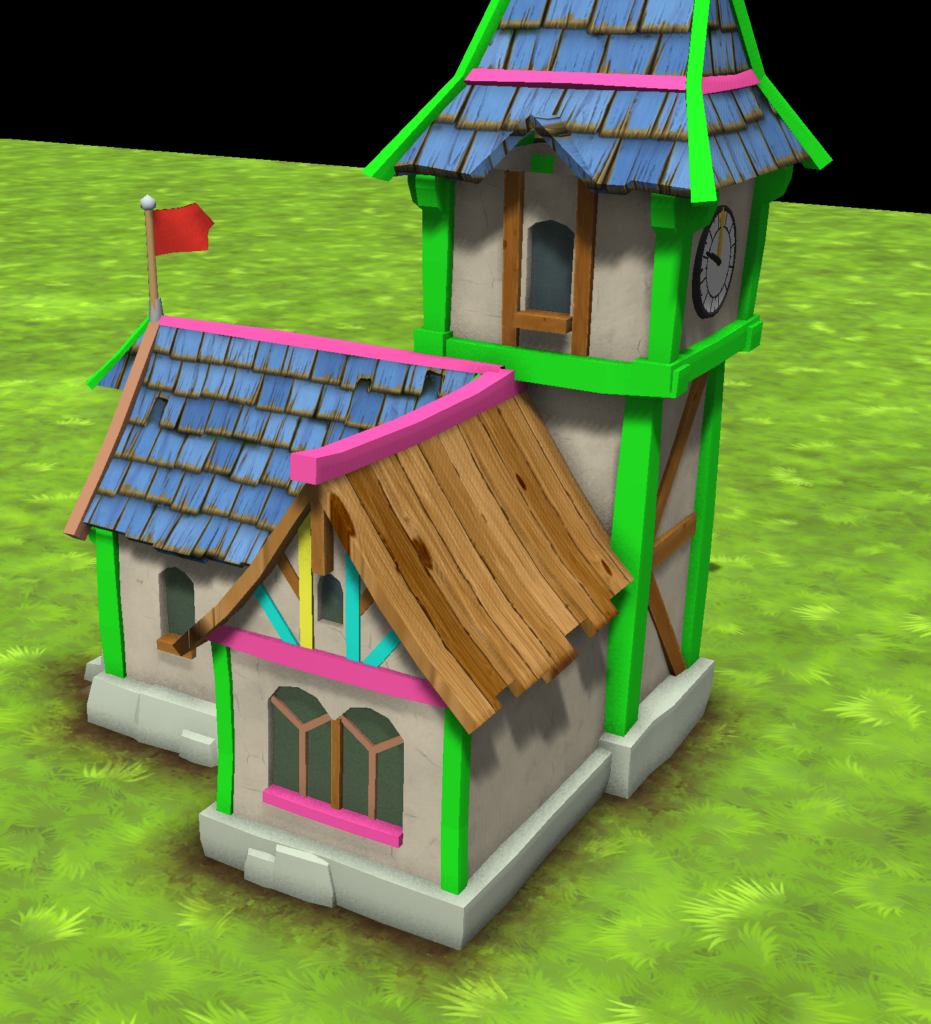
To make better sense of all these issues, I switched to a very simple yet effective debugging method. Instead of applying textures and checking them for failures, I’ve detected each problem as early as possible and assigned a distinctive bright color to it. Note how many planks have “failed” for various reasons, only a few met the “simple box” rules.
This immediately reveals how the algorithm segments geometry, where topology is incorrect and which parts are not detected at all. It also makes it obvious when a single plank is split into multiple parts or multiple planks are merged into one, or surface problems like polygons facing a wrong direction. This step was surprisingly helpful. Without it, it would be very difficult to reason about failures just from final textures.
Off to refining the approach! After several iterations, the process became more structured and resilient. Roughly, it now works like this:
* having most of the wood geometry modelled using quads simplifies the algorithm by a lot (since the engine supports multi-vertex polygons since that helps with better normal shading)
* identifying desired surfaces based on naming (names like AUTOTEXTUREWOOD_xxx)
* grouping connected geometry into “islands of connected polygons”
* converting “islands” into plank candidates using geometric heuristics (quads only, polygon topology, edge neighboring rules)
* reconstructing missing sides and covering holes
* determining dominant axis for each plank candidate
* reordering polygon strips to go uniformly end-to-end
* mapping plank sides UVs aligned to corresponding axis
* mapping planks ends using their normals for alignment
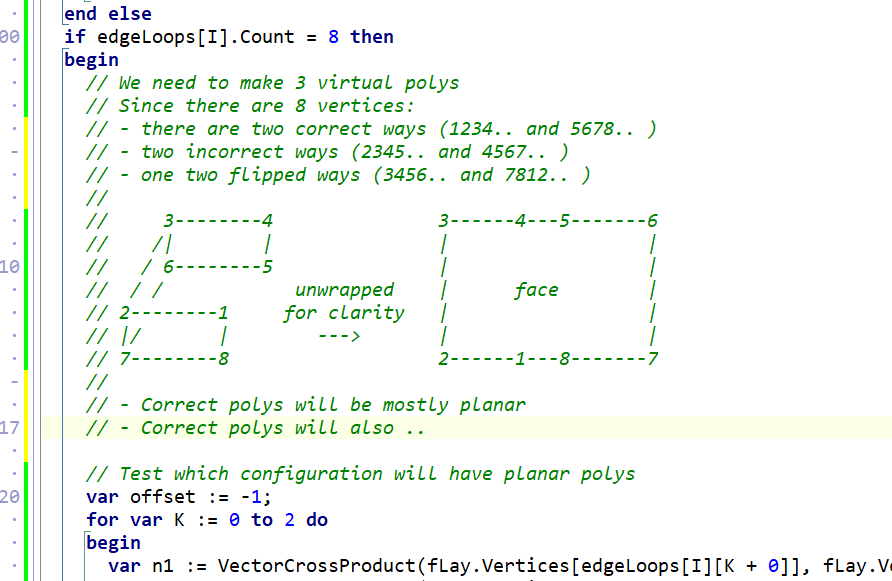
You know things get serious when code comments take up more space than code itself and include some ASCII-art:
The key part here is not UV generation itself, but correctly identifying what a “plank” actually is and what every plank should be. Once that is done, the rest is quite trivial. With the current implementation, around ~90% of planks are autotextured correctly. Which is already enough to significantly reduce manual work and improve the overall looks.
There are still several categories that do not behave well.
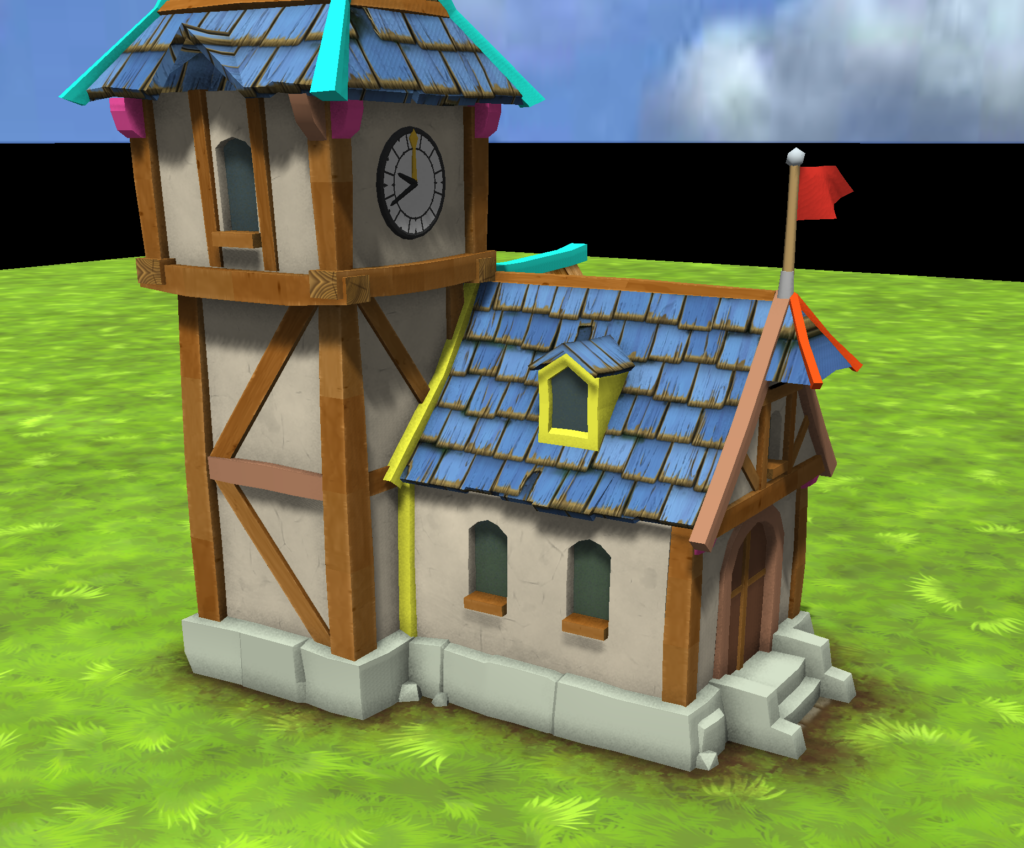
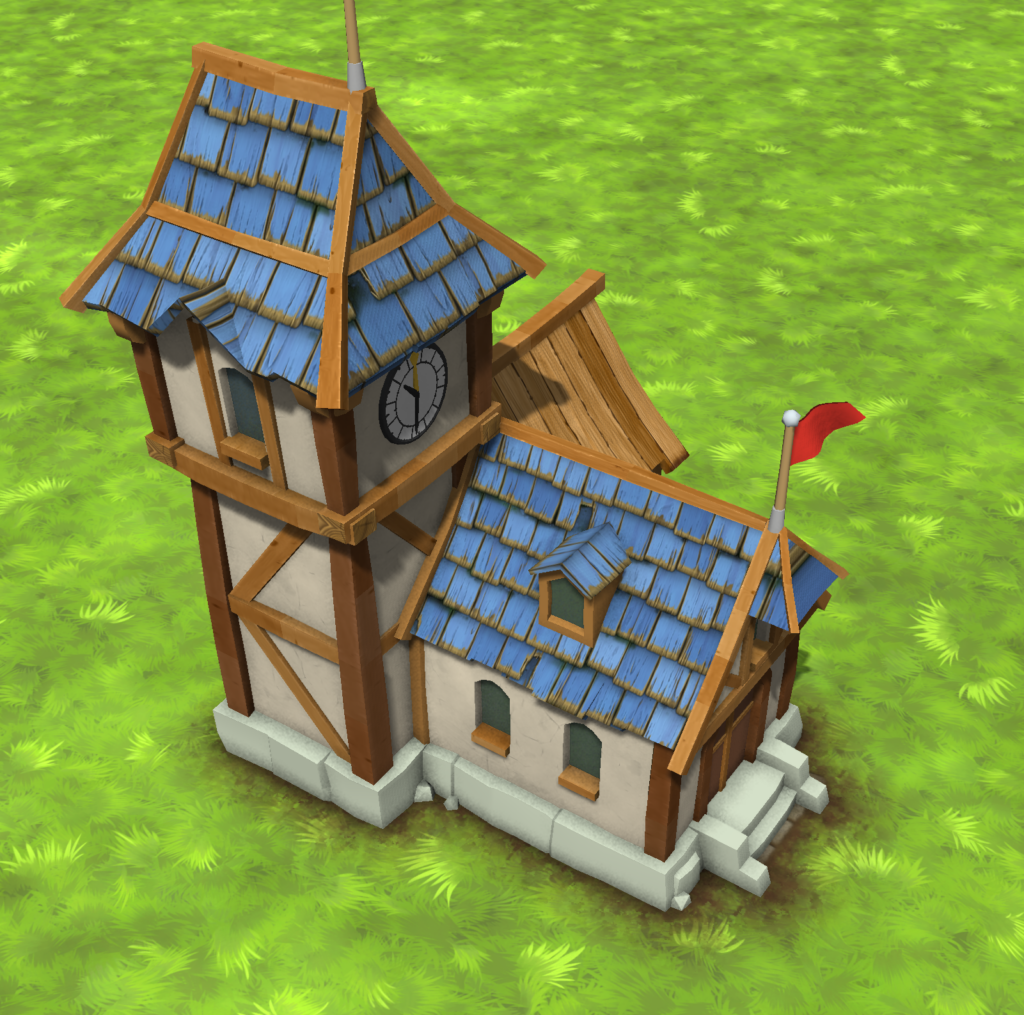
Some shapes are effectively multiple planks combined into a single mesh (see that window on the roof). There is no reliable way of splitting them automatically without introducing errors. These are better handled manually.
Other problematic cases are planks with triangle polygons in them (lower horizontal beam on the tower). Those are easier to fix in the model, by redoing them using only quads.
In some cases planks are too bent and/or slanted (towers roof). They can still be “salvaged” if plank-detection rules are slightly relaxed. After all, maybe it is better to texture something suboptimally than to not texture it at all. This is a balance.
You can also notice that the grain direction is slightly off between beam sections. At the moment, each polygon gets mapped without inter-plank continuity. This is something to fix later on. There are also some wrong stretching on diagonal planks – also easy to fix in the coming days.
End grain (planks ends) is a separate problem. It requires a different texture and proper alignment with plank direction. Right now it is handled in a simplified way, which is not always visually correct.
Currently, if the plank can not be textured it will be just skipped and retain the flat color.
Autotexturing runs during house models loading. Measured cost is approximately ~30 ms per house. Given that it replaces a large amount of manual work and that it runs only once per load this is well within acceptable limits. Of course there is still room for optimization, but it is not a priority, given that estimate texturing for 30 houses will be under 1 second.
One important aspect is that this system is fully automatic. Any house model that uses specific surface names will be automatically textured. As soon as geometry is in place and has a special surface name, it already looks “good enough”.
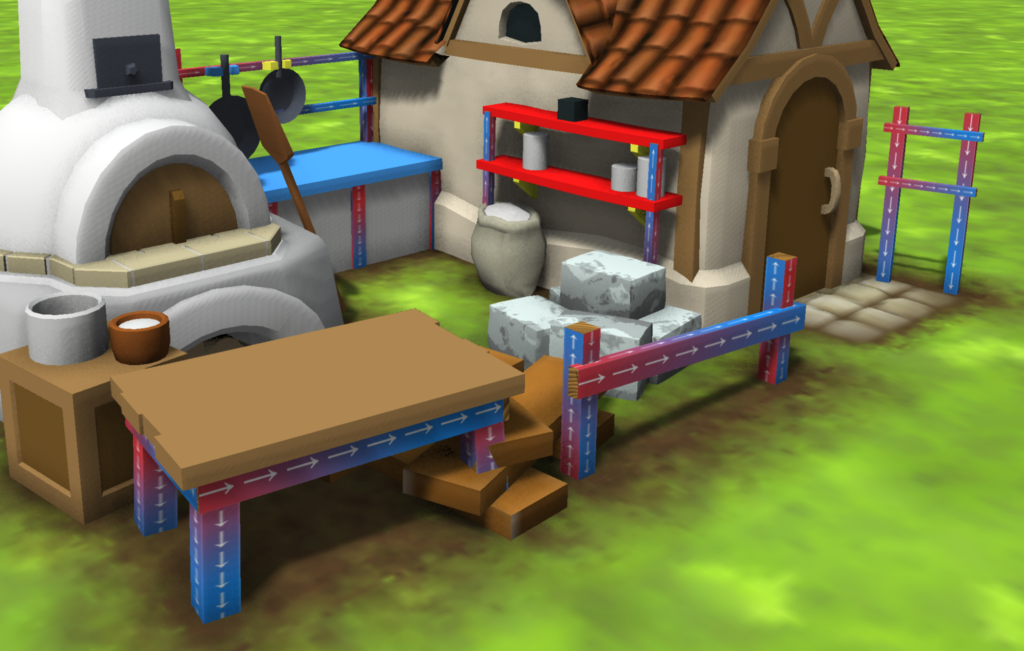
One extra detail is that we can also tint the planks using vertex colors for nicer looks. This is also automated with texture color being compensated with vertex colors to match the desired surface color set for the surface in the model:
Beyond wood, the same approach can be applied to other materials. Plaster is a good candidate – it has large continuous surfaces with similar need for fast iteration. The main challenge there will be avoiding visible tiling seams. Since plaster is uniform in every direction, it will be much simpler than wood elements.
Overall, procedural autotexturing for planks and beams turned out to be much less trivial than expected. The code size now approaches 66kb and will still grow with the fixes. The core idea is quite simple. The complexity comes from real-world geometry, which rarely follows ideal assumptions. Even so, the current results are already useful, most planks are handled automatically, visual quality is consistently good and manual workload is reduced significantly. As more houses are added or updated, they will benefit from the system automatically, without additional effort.
In the coming days I will work through more houses, assigning materials and fixing bad topologies. I still haven’t decided if this feature should be in Alpha 13.2 or go towards Alpha 14. What is your opinion, what other low-hanging fruits are there to make the game look and play better?
Christmas season is all around and it sounds like a great time to release Knights Province Alpha 13!
It has been two long years since the last big release of Alpha 12. A lot of work has gone into making the game look better, play smoother, and, most importantly, Multiplayer!
Why Alpha 13 matters
Alpha 13 is a noticeable milestone in the development of Knights Province. For the first time, the game expands beyond single-player with the introduction of multiplayer. On the other hand it keeps on laying down more and more of long-term technical foundations that future development will build upon. Deeper mission scripting and storytelling tools, performance, audio, and visual improvements, all this keeps on moving Knights Province towards a more complete and engaging RTS experience.
What’s new in Alpha 13
Multiplayer finally here!
Alpha 13 introduces long-awaited multiplayer. There are already a bunch of servers to join with friends and play. The game allows for PvP and cooperative experience, alternatively you can just spectate. Maps and saves can be shared between players easily.
More expressive missions and storytelling tools
Animated map objects and addon objects allow mapmakers to create more dynamic scenarios and richer narratives. Together with heroic unit support – enabling unique unit names, stats, size, morale, and behavior – scripted missions now have far greater creative freedom.
A darker world with new neutral threats.
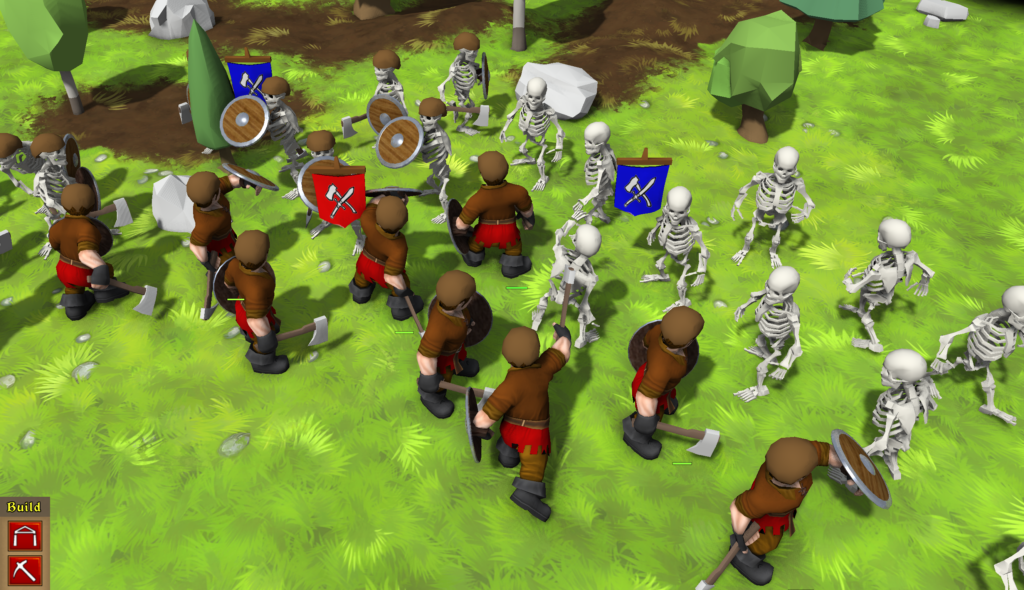
Skeletons enter the world of Knights Province as new neutral units. They know neither hunger nor morale, adding fresh tactical challenges and a distinct atmosphere to missions and campaigns.
There is a whole new campaign
“Burning Hay” is a new campaign by Amaroth. Featuring 8 missions to play. As the author describes it himself – “As a young and until now insignificant knight who never cared about the kingdom’s politics, you find yourself pulled right into the middle of a sudden civil war. Story-heavy, no tutorial. Challenging, especially for beginners”. There are new single-player and multiplayer maps as well.
A major visual upgrade
Trees now have fully reworked foliage, giving forests a decent look that better matches the game’s tone. Combined with new terrain surfaces, sun settings, mapmakers can fine-tune lighting and mood to make maps feel more alive than ever.
Foliage trees
Smoother performance and GFX
Alpha 13 brings performance and rendering optimizations, a new underlying sound engine (based on raudio / miniaudio), and a new text renderer with tag support (mixable color, underline and strikethrough styles are just a start).
Better support for localizations
Alphanumeric localization keys simplify translations for addons and missions. Oh, and Greek localization has been added.
Among other features
Semi-automatic highscore verification on Knight Tavern for competitive play. Savegames are now bundled into a single file, making sharing much easier. There are many more smaller changes and improvements included in Alpha 13. The full and detailed changelog is available in-game on startup and from the Options menu.
Armor workshop got nicer model too
Looking ahead to Alpha 14
While Alpha 13 is a major milestone, there are still several areas that require further designing and development before the game can move into the Beta stage. These will be addressed in Alpha 14:
Horses and farm animals breeding (should they be handled similarly to sheep, I say yes)
Sturdier walls and improved AI handling of them
Trade between players (market, trading post, wagons?)
Siege machines (?)
Additional assets and content (building models, unit models, animations, etc.)
Recently I have discovered that GitHub markdown seamlessly supports Sequence Diagrams and it is awesome!
What are these words you may ask? I thought I’d make a short post about that.
First and foremost GitHub is a place where Knights Province code lives. You may have already seen public Knights Province resources there. There is an Issues list that holds the bugs and improvement ideas for the game (link). There’s also dynamic scripting Wiki (link).
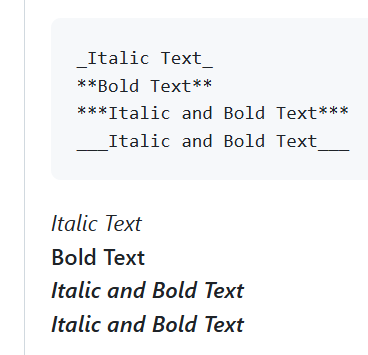
Markdown is a set of special terse text format rules that allow for a number of formatting styles and features. Starting from simple ones that make text look bold (with asterisks), or italic (with underscores). Most of the modern Web platforms support it to a different extent. Unfortunately it is not standardized, but usually the basics work the same. More sophisticated expressions allow to generate tables or style whole sections of text as a programming language with syntax highlight:
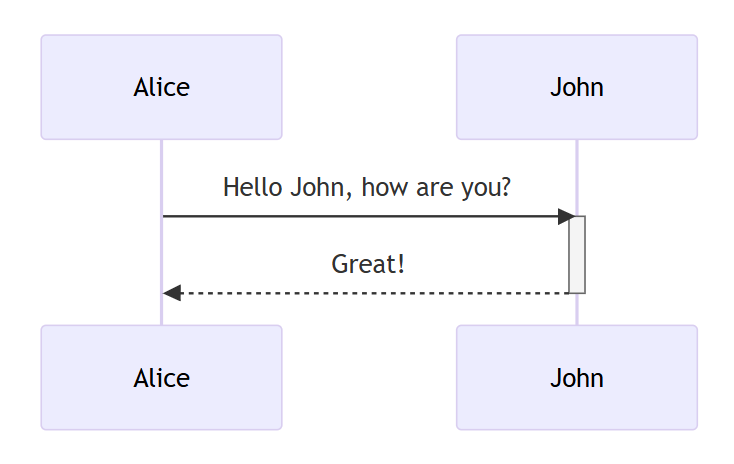
Sequence Diagrams are a nice way of presenting sequences of events happening over time in a graphical form between several entities. Here is a short example of how a phone conversation may look like in this notation:
I won’t bore you here with details about Sequence Diagrams rules, just the basics. Actors are listed on top and repeated on bottom. Diagrams are read from top to bottom. Arrows denote control flow. Thick sections on actor verticals mean some processing is going on.
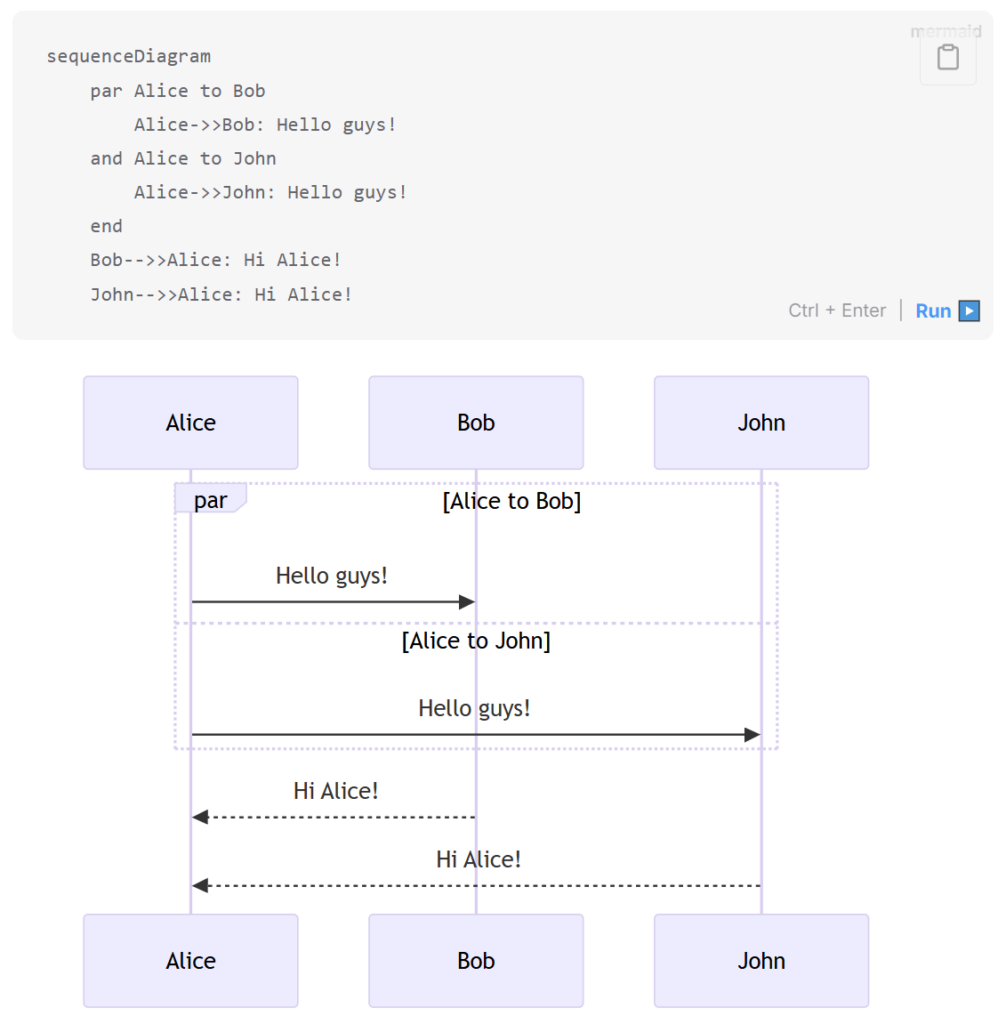
And there is a fourth piece to this puzzle – Mermaid. It is a certain diagram generation library that was seamlessly incorporated into the GitHub markdown processing. It supports a number of diagram styles, but we are interested in the Sequence Diagrams, since this is what Knights Province needs at the moment. If the text will have certain magic words in it spelled in the right order, they will transform into a picture:
Sweet thing about it is that the “code” for the diagram is in simple text form and is very short. Those 8 lines fully describe the diagram.
Lately I have been working on bringing Knights Province Multiplayer up to shape. In the past few months a lot has been improved and changed for a better gameplay and UI experience in the networking and multiplayer code. For example the players roster has changed, but that’s a different story, maybe for another post.
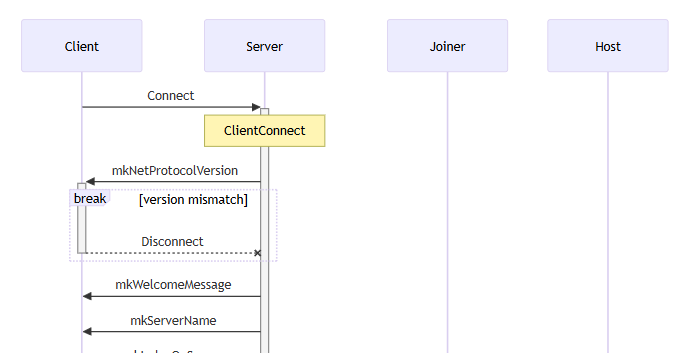
Networking code is quite different from the rest of the game though. It is riddled with asynchronous (non-immediate) events and their handling between separate entities located hundreds of milliseconds apart – players, host and servers. Those data exchanges and states form up quite a complex and intricate shape. Now, Sequence Diagrams are ideal for showing those interconnections and events relations. Having the things laid out on paper (yes, I even printed some of them) is a huge help in figuring out weak spots and places for improvements.
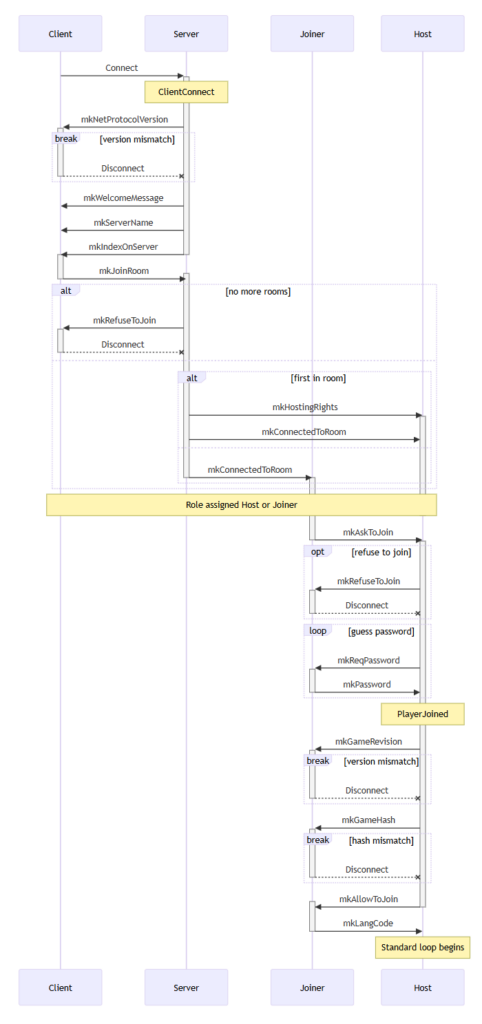
So, here is a sample diagram visualizing how a new client may enter a multiplayer room, get his role (become a Host or a Joiner) and get to setting up the upcoming game:
It is time for Alpha 13 to enter its so-called “wip” stage. I gave some consideration regarding the number 13 perceived as unlucky, but then again, I’m not superstitious, so 13 is perfectly good! Now it can be playtested parallel to the ongoing development. As always you will find that some new features are already in the build, some are being developed and some are just planned or not even heard of. It’s a great time to affect the game’s development course.
There is a bunch of big things planned for A13. Let’s talk some more about each (trust me, best one is listed last)
Animated map objects
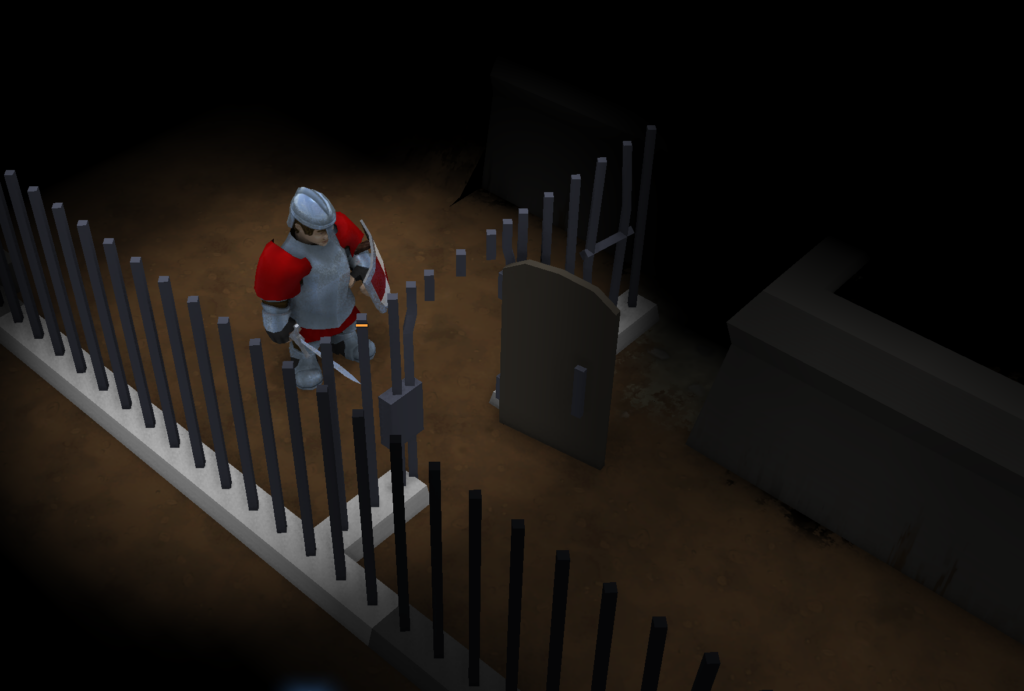
Game needs to be more interactive – cue in animated stateful map objects! With the new support for animated map objects it is possible for objects to have a state and animations within and between states. For example now there is a dungeon door or a chest that can be open or closed (controlled via script as well!). Or a single table map object with several different things laying on it. Important to note, that these states are not purely visual. An opened door can be walked through, while the closed one is impassable. As with other things – this can be controlled from dynamic script.
Addon map objects (eventually mods)
KP was always planned to allow for mods. Addon map objects are a first attempt at that. Just imagine what possibilities it opens for mapmaking! Mods will be explained in greater detail in upcoming posts. For now there’s just a short sum up. Mods can affect specs (object properties) and/or assets (3D models and textures). Mods can be global (affecting the whole game and all the missions you play, unless they specifically forbid so) and local (acting only on the current campaign and/or mission). Mods will be loaded in layers and will be able to affect each other. For example one could have a global mod that adds 10 new types of trees and each mission will get them, but some specific mission could contain some specific quest objects it needs. If everything goes well, other basic game domains (like terrains, decals, etc.) will allow for mods soon too.
Skeletons!
Reason for them is two-fold. Firstly and foremostly, skeletons were planned to be a part of unit death animation and corpses decay visualization. Units would gradually decay revealing a skeleton which would disappear after a time too (think of how Warcraft 1 and 2 did it). This feature came out to be quite a lot more complicated to properly rig and animate than it seemed at first though, so it is currently postponed. However, skeletons themselves looked really nice and easy to integrate with the existing animation and rigging systems, so .. given the playful game art style and mood, now the skeletons are part of the game. Currently only available to be placed in MapEd and via dynamic scripts. However in the future it is quite possible that they will have a dwelling / spawning structure, similar to wolves and bears. Maybe a crypt? Feeling strong Warcraft 1 dungeon missions vibes now.
Heroic unit attributes
Units can be tweaked quite a lot more from the dynamic script now. Following attributes can now be changed: Max HP and HP regen, sight radius, flag color, banner display for group leaders, morale. This will allow mapmakers to create (and edit!) hero units in a manner similar to how Warcraft 2 had them. For example a quest hero unit could gain more and more HP over the course of the mission and have his flag color turn bluer or redder depending on the progress. Or simple yet effective sight radius reduction in the cave sections. It is not a full RPG yet, but still a good step into the right direction.
Weather effects
Now mapmakers can change lighting conditions. This means sun and sky color, sun position in the skies. Among other things this also allows for ambient lit missions taking part in dungeons and caves. As with other aspects, lighting can be changed from dynamic script. Other weather effects like clouds and precipitation are planned, but not scheduled yet. Fully dynamic lighting like torches and other light emitters are not available yet (and probably wont be for quite some time).
Anti-cheating
Highscores became engaging enough to the point where the game had its first major cheating event. This is a great milestone! Now, combined with the new mods feature, anti-cheat measures had to be improved. Now highscores will register more of the game’s properties and a replay file, making any major attempts to cheat fruitless. This will warrant reset of the Highscores in the Knights Tavern in the near future.
.. and finally Multiplayer!
I’m excited to announce that Alpha 13 is planned to have multiplayer enabled! It will take some time to stabilize the features presented above, but after that is done, the MP button will be activated and we’ll see how much time and effort it will take to make it properly work.
With everything described above, I’m happy to direct everyone interested to the Discord server where Alpha 13 wip builds are going to be published in the #new-versions channel: